Android
Android 17 vs. One UI 8.5: What Galaxy S25 Ultra Owners Have to Look Forward To
Google’s Android 17 has arrived, bringing a new collection of multitasking, privacy, security and performance improvements. But for Samsung users, the story is slightly more complicated.

The Galaxy S26 Ultra launched with One UI 8.5, which is based on Android 16. It has since become Samsung’s first flagship to enter the Android 17 era through the One UI 9 beta. Galaxy S25 Ultra owners, meanwhile, are still waiting for their opportunity to test that next major update.
So, how does Android 17 compare with the One UI 8.5 experience already available on recent Galaxy phones—and what might S25 Ultra owners gain when One UI 9 finally reaches them?
Android 17 and One UI 8.5 Aren’t Direct Competitors
Android 17 is the underlying operating system developed by Google. One UI is Samsung’s interface and feature layer built on top of Android.
That means the fairest comparison is not really Android 17 versus One UI 8.5. One UI 8.5 runs on Android 16, while Android 17 will reach Galaxy devices as part of One UI 9.
Still, comparing them is useful. It shows which experiences Samsung already provides through One UI 8.5, which Android 17 features could improve Galaxy phones further, and where Samsung continues to offer capabilities beyond stock Android.
Multitasking: Android 17 Makes a Very Samsung-Like Move
One of Android 17’s headline additions is an expanded Bubbles system. It can turn an app into a compact floating window by long-pressing its icon. On larger screens, those windows can live in a bubble bar and be resized or expanded to full screen.
If that sounds familiar to Galaxy owners, it should.
Samsung has offered pop-up windows, split-screen multitasking, Edge panels and other floating-app tools for years. One UI 8.5 is still the more mature experience for users who routinely work across multiple apps, especially on an Ultra or foldable device.
Android 17’s advantage is standardization. When floating-window behavior is built into Android itself, more app developers have an incentive to support it properly. Samsung could combine that broader compatibility with its existing window controls in One UI 9.
For S25 Ultra owners, this may not feel revolutionary. It could, however, make multitasking more reliable and consistent across a wider range of apps.
Content Creation: Screen Reactions vs. Photo Assist
Android 17 introduces Screen Reactions, an enhanced recording feature that captures the phone’s display and the user’s face through the front camera simultaneously. It is designed for tutorials, commentary, reaction videos and social content without requiring a separate editing workflow.
One UI 8.5 approaches creation from a different direction.
Samsung upgraded Photo Assist so users can produce multiple generative edits without saving every individual attempt. An edit history makes it easier to compare the results and keep the best version. Quick Share can also recognize people in photos and suggest sending those images to the appropriate contacts.
The benefits divide neatly:
- Android 17 makes it easier to record and present what is happening on the screen.
- One UI 8.5 concentrates on editing, organizing and sharing finished content.
- One UI 9 could give Galaxy owners both toolsets in one package.
For creators, teachers and anyone who regularly demonstrates apps, Screen Reactions may be one of Android 17’s most immediately useful additions.
Privacy and Theft Protection: Similar Goals, Stronger Foundations
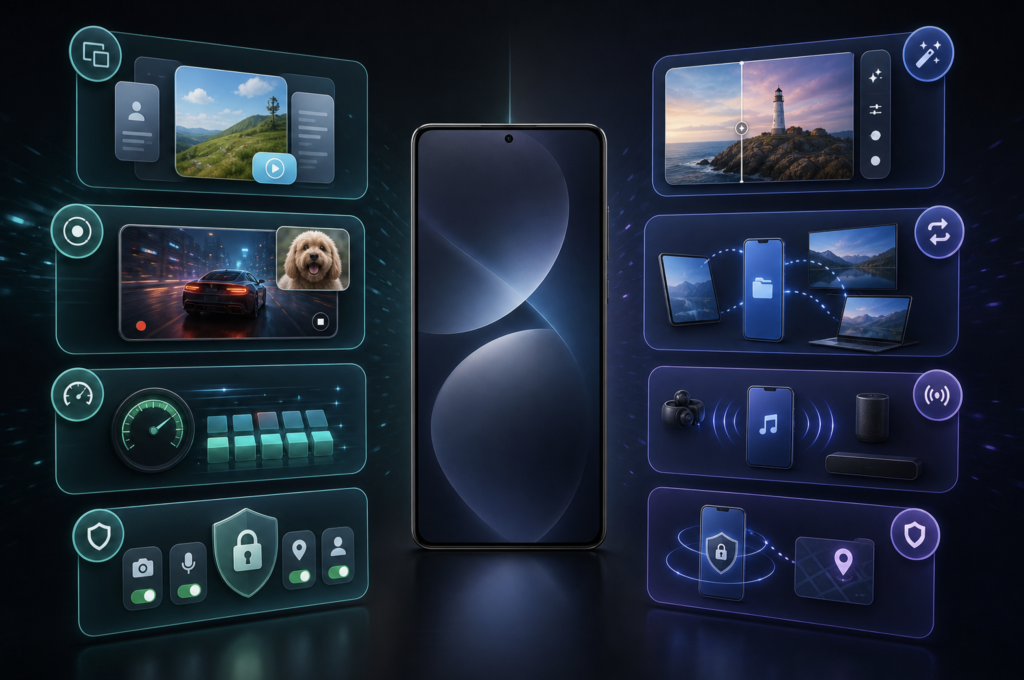
Security is one of the closest points of comparison.
One UI 8.5 introduced expanded Theft Protection, Failed Authentication Lock and stronger identity checks for sensitive settings. These protections are meant to prevent someone who possesses the phone—or even knows its passcode—from gaining unrestricted access.
Android 17 reinforces the same strategy at the operating-system level. Its improved Mark as Lost feature can protect a missing device with biometric authentication, helping prevent a thief with the passcode from disabling tracking or accessing personal information. Google has also reduced the number of PIN attempts and increased the delay after repeated failures.
Android 17 adds more granular privacy controls as well. Users can provide an app with temporary access to their precise location or share selected contacts instead of exposing their entire address book.
Samsung’s security layer remains an important advantage, particularly when Knox protections are included. Android 17’s benefit is that these safeguards become part of the platform underneath One UI. Rather than replacing Samsung’s tools, they should give One UI 9 a stronger foundation.
Performance and Battery Life
Android 17 introduces app memory limits intended to stop individual apps from consuming excessive RAM. Google says the change can improve overall performance and battery life. Memory cleanup has also been optimized to reduce frame drops and stuttering during demanding games.
These may not be the most visible additions, but they could be among the most valuable for an older flagship.
The Galaxy S25 Ultra still has more than enough processing power for Android 17. Its Snapdragon platform and generous memory mean that One UI 9’s performance will probably depend more on Samsung’s optimization than raw hardware.
Better system-level memory management could help the S25 Ultra remain responsive as apps and AI features become more demanding. It could also reduce the background activity that contributes to idle battery drain.
That makes Android 17 less about transforming the S25 Ultra and more about extending the phone’s useful life.
Connectivity: One UI 8.5 Still Has the Ecosystem Advantage
Samsung’s strongest One UI 8.5 features are those that connect Galaxy devices.
Storage Share allows files from compatible Galaxy phones, tablets and computers to appear inside the My Files app. Users can also access phone files from other supported Samsung products, including televisions.
Audio Broadcast expands Auracast support by allowing a Galaxy phone’s microphone to transmit the user’s voice to nearby compatible LE Audio devices. That could be useful for tours, presentations, accessibility and group listening.
Android 17 does not offer a direct replacement for the full Samsung ecosystem experience. Its improvements are broader and available across brands, while Samsung’s features become more useful as someone owns more Galaxy products.
The choice comes down to reach versus integration: Android provides the common foundation, while One UI offers deeper connections inside Samsung’s ecosystem.
Android 17 Brings More Than Headline Features
Google has also added several smaller improvements:
- The ability to hide app names on the home screen
- More control over the expanded dark theme
- A dedicated assistant-volume setting
- Wider availability of Android parental controls
- Temporary precise-location permission
- Access to selected contacts instead of the complete contact list
- Native controller remapping
- A specialized gaming layout for foldable phones
Not every feature will matter equally on the S25 Ultra. The foldable gaming layout, for example, is designed for devices such as the Galaxy Z Fold. The privacy, performance, controller and interface improvements have much broader appeal.
What Is Happening With the S25 Ultra Beta?
Samsung launched the One UI 9 beta for the Galaxy S26 series in May 2026. The program opened in selected markets, including the United States, United Kingdom, Germany, India, Korea and Poland.
That means the S26 Ultra is already testing Samsung’s interpretation of Android 17.
The S25 Ultra is in a different position. It has received One UI 8.5, but Samsung has not announced an official One UI 9 beta date for the S25 series. Reports and user discussions suggest that S25 owners are expecting the program to expand, but expectations should not be treated as a confirmed schedule.
When enrollment does open, it should appear as a notice in the Samsung Members app in participating regions. Availability may depend on the phone’s model, carrier and country.
It is also worth remembering that beta software can introduce battery drain, app incompatibility and problems with payment or banking services. Anyone who relies on an S25 Ultra as a primary work phone may be better served by waiting for the stable release.
Is Android 17 a Major Upgrade for Galaxy Owners?
Android 17 is more evolutionary than revolutionary, especially for Samsung users.
Several of its most visible ideas—floating windows, advanced multitasking and layered theft protection—already have equivalents in One UI. What Android 17 provides is a stronger platform implementation, wider app support and new privacy rules that Samsung can build upon.
One UI 8.5 remains ahead in photo editing, Galaxy device integration and Samsung-specific productivity. Android 17 counters with improved screen recording, tighter permission controls, standardized multitasking and system-level performance management.
The most interesting experience will therefore be neither Android 17 in isolation nor One UI 8.5. It will be One UI 9, where Google’s new platform features and Samsung’s mature Galaxy tools finally meet.
The Bottom Line
Galaxy S26 Ultra owners can already explore that combination through the One UI 9 beta. Galaxy S25 Ultra owners have a little longer to wait, with no official beta date announced at the time of writing.
The wait should not make the S25 Ultra feel obsolete. One UI 8.5 already delivers many of the practical benefits highlighted by Android 17, often with more developed controls. Android 17 should strengthen the experience through better privacy, more consistent multitasking and smarter resource management.
For S25 Ultra users, One UI 9 is shaping up to be a refinement with meaningful long-term benefits—not a reason to replace an otherwise highly capable phone.
Sources: Google’s Android 17 announcement, Samsung’s One UI 8.5 feature announcement, Samsung’s One UI 8.5 rollout notice, and Samsung’s One UI 9 beta announcement.

Written by
Bryan
Independent technology coverage focused on useful context, real-world experience, and honest recommendations.