Apple
Final Cut Pro vs Creator Studio: MotionVFX Changes the Math
Apple still sells Final Cut Pro for $299.99. Its latest Creator Studio announcement gives editors a stronger reason to subscribe, but the differences deserve a closer look. Buying Final Cut Pro used to be a straightforward decision. Pay for the Mac app, learn the timeline, and keep editing without another monthly bill. That option still […]
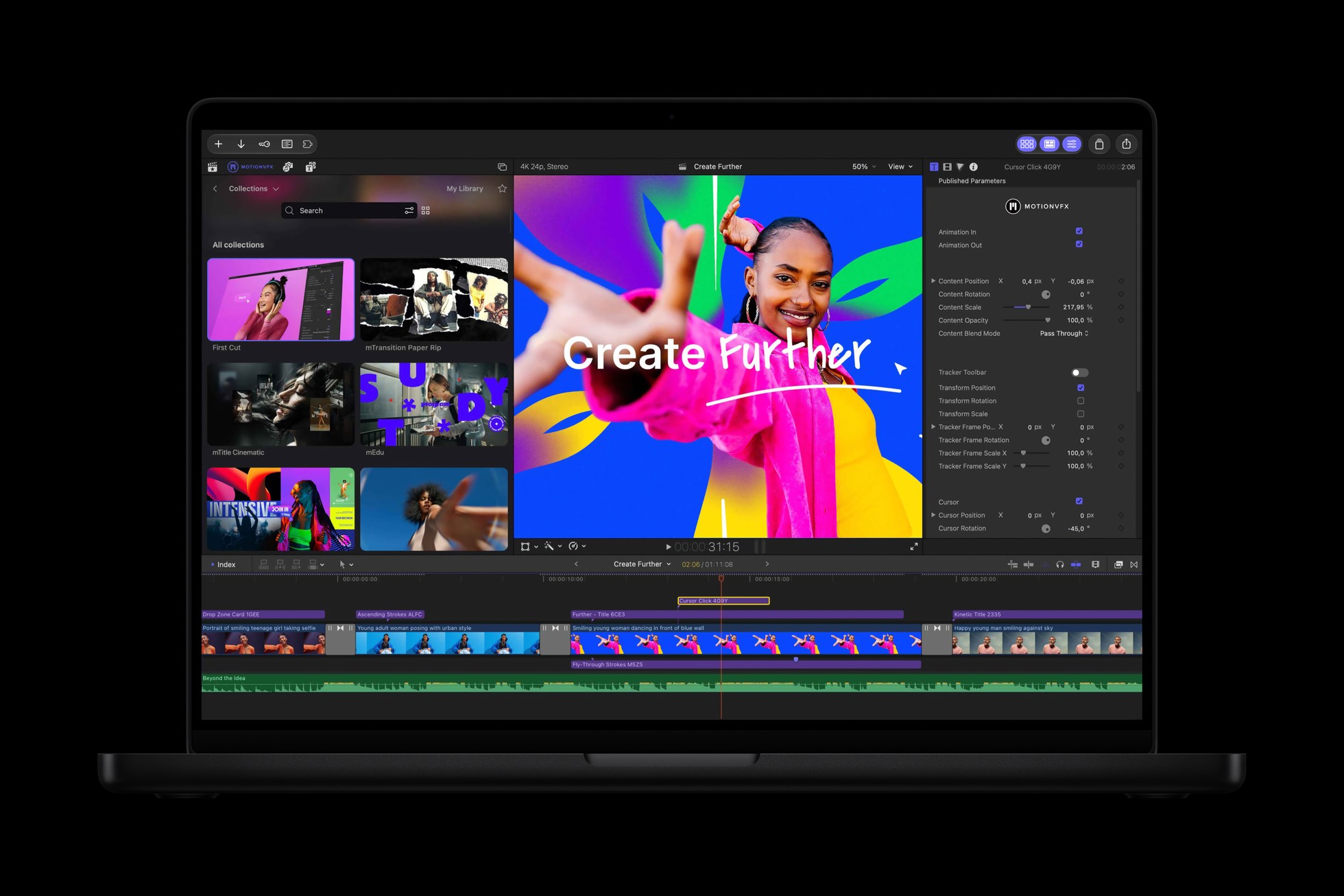
Apple still sells Final Cut Pro for $299.99. Its latest Creator Studio announcement gives editors a stronger reason to subscribe, but the differences deserve a closer look.
Buying Final Cut Pro used to be a straightforward decision.
Pay for the Mac app, learn the timeline, and keep editing without another monthly bill.
That option still exists. Apple has not discontinued the standalone purchase or told existing owners they must subscribe.
But Apple Creator Studio is becoming more than an alternative way to pay for the same editor.
The announced MotionVFX integration gives the subscription a more substantial argument. Effects, templates, stock footage, and companion apps can save real time when you use them regularly.
The question is whether they save enough time to justify another recurring payment.
For some editors, probably. For others, the copy of Final Cut Pro they already own remains the better deal.
First, Separate the Latest Release From the Latest Announcement
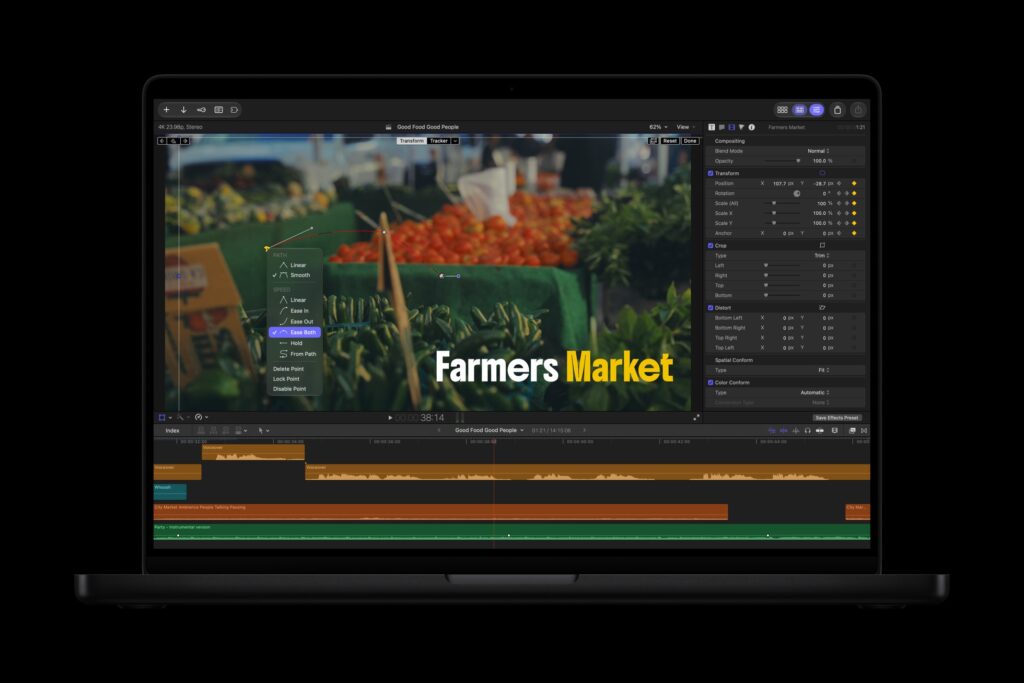
As of November 9, 2026, Apple’s published release notes and standalone App Store listing identify Final Cut Pro 12.4, released September 29, as the current version.
That release adds editing support for Cinematic mode effects recorded in Final Cut Camera, with macOS 27 required for that capability. It also addresses problems involving titles, project stability, keyframes, multicam switching, audio waveforms, and network library backups. Final Cut Pro release notes.
The larger Creator Studio update was announced October 27 for availability during November.
That announcement is what introduces integrated MotionVFX content and the expanded Content Hub. It should not be treated as proof that every advertised feature is already available to download. Apple’s November update announcement.
That distinction matters if you are subscribing specifically for one new tool.
Check the version available to your account before paying for an announcement.
What You Get When You Buy Final Cut Pro
The standalone Mac app costs $299.99 in the United States.
It remains a substantial editor. Apple’s paid App Store listing includes the Magnetic Timeline, multicam workflows, color correction, audio editing, effects, professional media formats, and XML workflows.
It also includes intelligent editing features. Generate Captions, Magnetic Mask, and intelligent search appear in the standalone listing. Certain features require Apple silicon or have other requirements. Standalone Final Cut Pro listing.
Buying the app does not mean buying an editor stripped of every AI feature.
Apple also explicitly says existing Final Cut Pro owners will continue receiving updates. However, it reserves some premium content for Creator Studio subscribers. Apple’s purchase comparison.
That is the distinction to watch: continued updates do not necessarily mean identical access to every bundled asset or service.
What Creator Studio Adds
Apple Creator Studio costs $12.99 per month or $129 per year in the United States.
Eligible college students and educators can subscribe for $2.99 per month or $29.99 per year, subject to verification.
The collection includes Final Cut Pro, Logic Pro, and Pixelmator Pro on Mac and iPad, plus Motion, Compressor, and MainStage on Mac. It also provides premium content and intelligence features in Apple’s productivity apps. Apple Creator Studio.
The practical comparison looks like this:
| What matters | Standalone Final Cut Pro | Apple Creator Studio |
|---|---|---|
| Standard US price | $299.99 once | $12.99 monthly or $129 annually |
| Final Cut Pro for Mac | Included | Included while subscribed |
| Final Cut Pro for iPad | Not included with the Mac purchase | Included |
| Motion and Compressor | Separate purchases | Included on Mac |
| Logic Pro and Pixelmator Pro | Separate purchases | Included on supported platforms |
| Some premium Final Cut content | Excluded | Included |
| Announced integrated MotionVFX collection | Not promised with the standalone license | Promoted as a subscription benefit |
| Existing standalone license required | Yes, for this purchase route | No |
The bundle makes more sense when you need several of its parts.
If you only want to edit video on your Mac, the calculation is different.
Yes, There Was a Major MotionVFX Announcement
This is the update that changes the conversation.
Apple announced direct MotionVFX integration in Final Cut Pro for Mac, covering thousands of creative elements and tools for tasks including rotoscoping, tracking, and color grading.
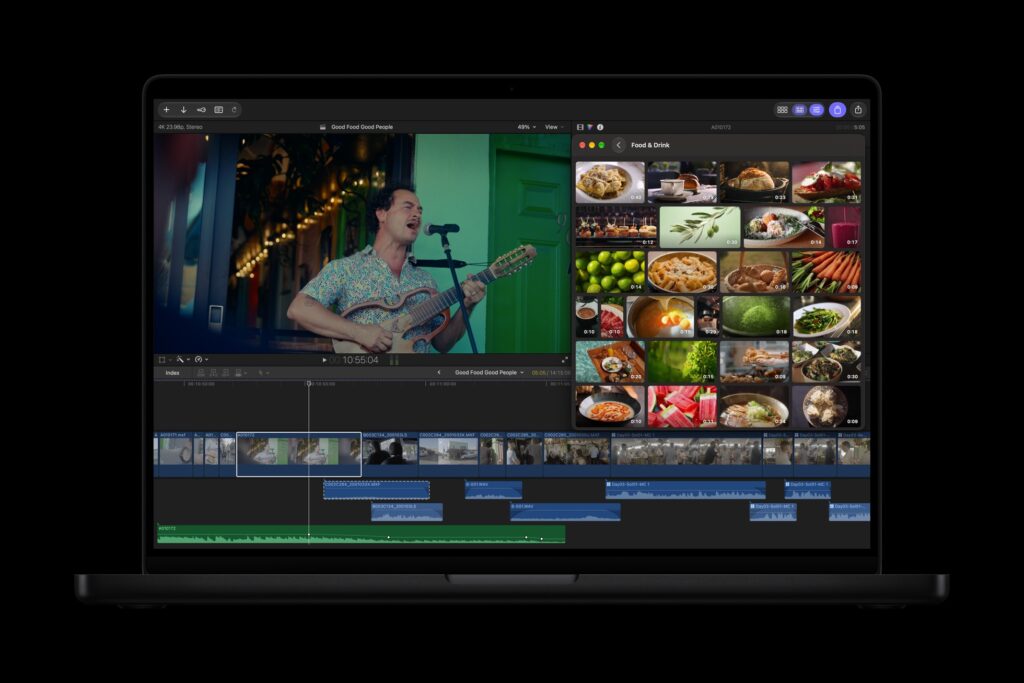
The same announcement adds stock video, photos, and backgrounds through the Content Hub.
For editors producing regular client work, those resources can be more valuable than another isolated editing command.
A useful title collection can shorten a delivery. A good tracking tool can simplify an effect. Suitable stock footage can fill a gap without another search through another service.
But access to a large collection only has value if the collection fits your work.
More templates do not automatically produce a better edit.
What Apple Left Out of the MotionVFX Bundle
There are two concrete omissions.
MotionVFX’s own FAQ says mCaptionsAI and mUpscalerAI are not available in Apple Creator Studio at this time. MotionVFX’s official FAQ.
That matters because “MotionVFX included” can easily sound like access to every product carrying the name.
It is not that simple.
Final Cut Pro having its own caption tools does not make those tools identical to mCaptionsAI. Likewise, other image enhancement features should not be confused with the excluded mUpscalerAI product.
If either application is central to your workflow, do not cancel an existing plan on the assumption that Creator Studio replaces it.
Motion and MotionVFX Are Different Things
The names make this easier to misunderstand than it should be.
Motion is Apple’s motion graphics application.
MotionVFX supplies effects, templates, and specialist creative tools.
Apple announced MotionVFX additions for Motion too, including cinematic grading, 3D camera tracking, and selection tools. Motion also gains a Displacement filter and expanded animation and image workflows.
Final Cut Pro’s announced improvements include additional keyframe easing choices, disconnecting clips from the primary storyline, 23 additional transcription languages, and image editing that returns changes from Pixelmator Pro to the project. Apple’s feature announcement.
Those workflow changes deserve attention alongside the effects collection.
A faster adjustment you make every day can matter more than an elaborate transition you use once.
The Standalone Feature Breakdown Still Needs More Clarity
Apple’s public explanation confirms that some premium content requires Creator Studio.
Its October announcement also describes workflow improvements alongside subscription content without providing a complete feature table for standalone owners.
That leaves an important gap.
We should not assume every November enhancement is exclusive to subscribers. We should not assume every enhancement reaches the standalone app either.
For anyone considering spending $299.99 today, Apple should make that distinction obvious before checkout.
The purchase should come with a clear explanation of which advertised features it includes.
Existing MotionVFX Customers Have Another Decision
MotionVFX says existing monthly subscribers can continue using and renewing their plans.
Existing annual subscriptions remain usable through the current billing period. After that, its FAQ directs customers toward Creator Studio or a MotionVFX monthly plan. It also says existing MotionVFX plan subscribers continue accessing their tools through mExtension. MotionVFX subscription information.
That makes this more than an Apple pricing comparison.
Someone already paying for Final Cut Pro and MotionVFX needs to compare their actual tools, renewal date, and exclusions.
An overlapping subscription can look inexpensive while quietly duplicating something already paid for.
The Price Comparison Depends on What You Already Own
At current standard US pricing:
| Time | Creator Studio annually | Creator Studio monthly | Standalone Final Cut Pro |
|---|---|---|---|
| One year | $129 | $155.88 | $299.99 |
| Three years | $387 | $467.64 | $299.99 |
| Five years | $645 | $779.40 | $299.99 |
These totals exclude tax, trials, discounts, and future price changes.
The comparison also measures different things. Creator Studio includes multiple apps and subscription benefits; the standalone column covers Final Cut Pro for Mac.
The annual subscription passes the standalone purchase price after roughly 28 months.
But if you already own Final Cut Pro, that purchase is money already spent. Keeping your existing license does not require buying it again.
Your decision is whether the subscription extras earn another $129 each year.
What Happens When You Cancel?
Apple says access to the subscription apps and features continues until the end of the billing period.
Your projects and files remain yours to access. Apple describes resubscribing or purchasing an available standalone app as ways to resume working with them. Existing owners can also keep both app versions installed. Apple’s subscription support guide.
Keeping your files is different from retaining access to every subscription tool used inside them.
For long term client work, check the dependencies in an important project before assuming you can cancel and reopen everything with identical results.
Which Would I Choose?
If you already own Final Cut Pro and mostly edit with your own footage and a familiar set of tools, I would keep using the standalone app.
There is no reason to subscribe simply because Apple has made the bundle more attractive.
If you regularly use effects, tracking tools, stock assets, Motion, Pixelmator Pro, or Final Cut Pro on iPad, Creator Studio deserves a closer look.
That is where the collection can save both money and time.
If you already subscribe to MotionVFX, compare your actual plan first. The excluded tools and your renewal terms may decide the issue for you.
My view is that MotionVFX gives Creator Studio a stronger argument than simply collecting apps under one payment.
Apple is making the subscription more useful. It still needs to make the boundaries clearer.
Buy Final Cut Pro when you need the editor. Subscribe when you can name the extras that will earn their place in your workflow.

Written by
Bryan
Independent technology coverage focused on useful context, real-world experience, and honest recommendations.