Apple
Studio Display vs. Studio Display XDR: 120Hz Is Nice, but It Isn’t $1,700 Nice
The Studio Display XDR delivers stunning HDR and smooth 120Hz performance, but its $3,299 price is difficult to justify. Here’s why the regular Studio Display remains the smarter choice for most Mac users.
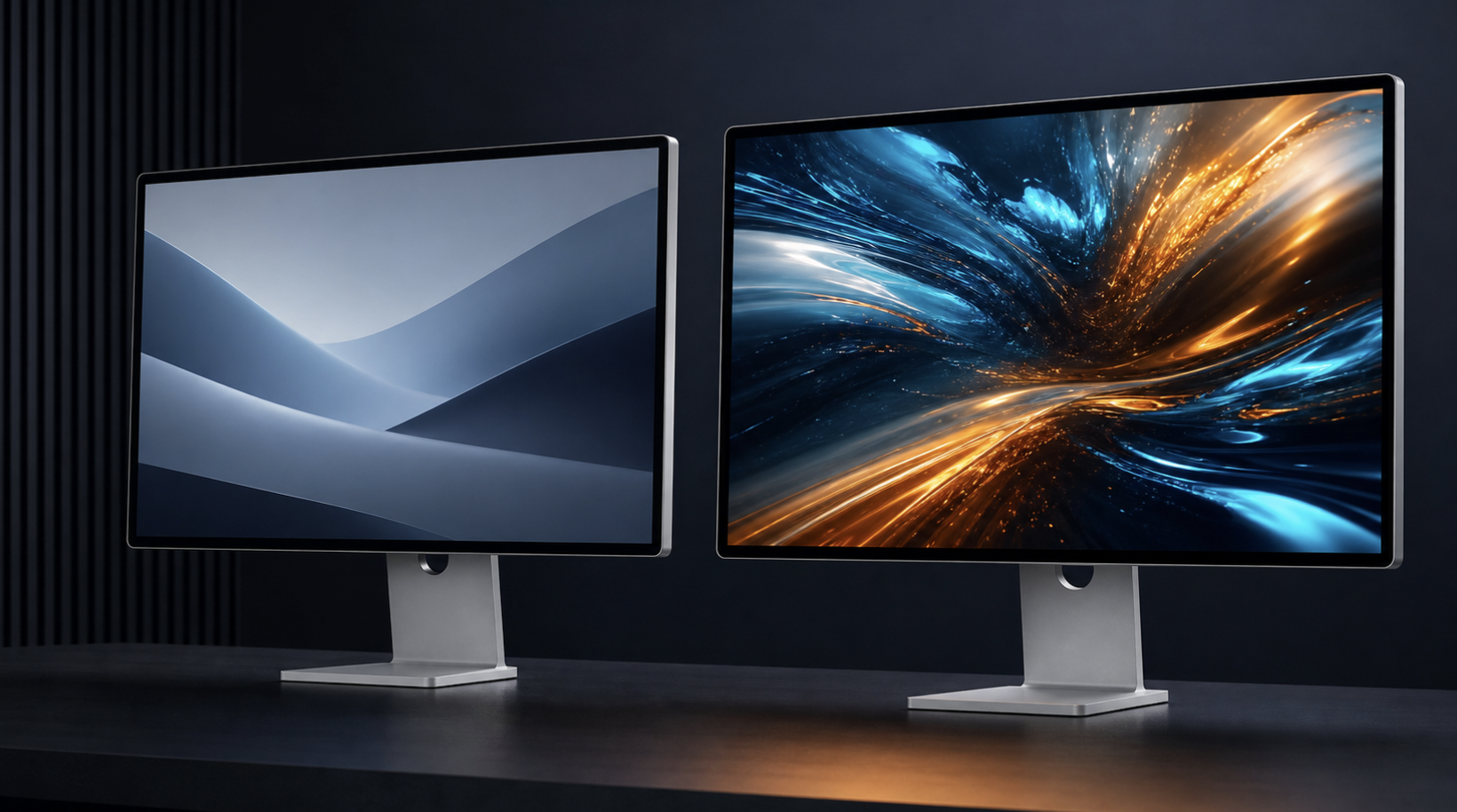
Apple finally made the monitor many Mac users have been asking for: a 27-inch, 5K display with mini-LED backlighting, proper HDR, and a 120Hz refresh rate.
It is called the Studio Display XDR, and it starts at $3,299.
That second sentence is where Apple loses me.
The Studio Display XDR is clearly the better monitor. This is not one of those comparisons where the less expensive product somehow wins every category. The XDR is brighter, smoother, and far more capable with HDR. It supports Adobe RGB, includes a height-adjustable stand, and can charge a compatible MacBook Pro at up to 140W.
But “better” and “worth more than twice as much” are two very different things.
For most Mac owners—including developers, writers, office workers, and creators who do not deliver professional HDR work—the regular Studio Display remains the more sensible buy. And if you already own one, the case for spending $3,299 to replace it is even harder to make.
Quick links: Check the Studio Display price on Amazon · Check Studio Display XDR listings on Amazon
Prices and availability can change. Make sure the glass and stand configuration shown on Amazon matches the one you want before ordering.
The short version
Buy the Studio Display XDR if your work depends on accurate HDR mastering, very high brightness, Adobe RGB, or the XDR reference modes. Those are professional requirements, and the XDR is built for them.
Buy the regular Studio Display if you primarily write, code, browse, edit photos for the web, work in productivity apps, or edit standard-dynamic-range video. You still get the same 27-inch size, 5K resolution, 218 pixels per inch, excellent built-in speakers, 12MP Center Stage camera, microphones, and Thunderbolt 5 connectivity.
And if your main reason for wanting the XDR is 120Hz, check your Mac before doing anything else. Apple says Macs with M1, M1 Pro, M1 Max, M1 Ultra, M2, or M3 chips can drive the Studio Display XDR at only 60Hz. That includes some very powerful and still very useful Macs.
Studio Display vs. Studio Display XDR specs
| Feature | Studio Display | Studio Display XDR |
|---|---|---|
| Screen | 27-inch Retina | 27-inch Retina XDR |
| Resolution | 5120 × 2880 | 5120 × 2880 |
| Pixel density | 218 ppi | 218 ppi |
| Backlight | LED | Mini-LED |
| Local dimming | No | 2,304 zones |
| SDR brightness | 600 nits | Up to 1,000 nits |
| Peak HDR brightness | — | 2,000 nits |
| Refresh rate | 60Hz | Up to 120Hz with Adaptive Sync |
| Color | P3 | P3 and Adobe RGB |
| Camera | 12MP Center Stage with Desk View | 12MP Center Stage with Desk View |
| Audio | Six speakers, three-mic array | Six speakers, three-mic array |
| Ports | 2× Thunderbolt 5, 2× USB-C | 2× Thunderbolt 5, 2× USB-C |
| Laptop charging | Up to 96W | Up to 140W |
| Included stand | Tilt-adjustable | Tilt- and height-adjustable |
| Starting price | $1,599 | $3,299 |
Apple’s full specifications are available on the Studio Display and Studio Display XDR product pages.
Yes, 120Hz is noticeably better
Let’s give 120Hz its due. Once you spend time with a high-refresh display, going back to 60Hz is noticeable.
Scrolling is smoother. Windows track more cleanly as you move them. The pointer feels more directly connected to your hand. Animations look better, and fast-moving content is easier to follow. Adaptive Sync also lets the XDR vary its refresh rate from 47Hz to 120Hz to better match compatible content.
This is a real upgrade, not marketing fluff.
But a smoother desktop does not automatically make you twice as productive. It does not make text sharper because both displays have exactly the same 5K resolution and 218-ppi pixel density. It does not give you more workspace because both panels are 27 inches. It does not improve the camera or speakers because those features are essentially shared.
For writing, coding, email, spreadsheets, and general Mac use, 120Hz is a quality-of-life improvement. It is not a workflow transformation.
Video is also more complicated than the headline number suggests. Most films are still delivered at 24 frames per second. A lot of online video is 30 or 60 fps. The XDR can present motion beautifully and match frame rates more gracefully, but it cannot invent useful detail that is not in the source.
Gaming can benefit much more from 120Hz—assuming the Mac and the game can produce high frame rates at a 5K resolution. That is a demanding workload. The display also has no HDMI input, so a PlayStation or Xbox cannot simply be plugged into it like a conventional gaming monitor.
The real XDR advantage is HDR, not refresh rate
The strongest reason to buy the Studio Display XDR is right there in its name.
Its mini-LED backlight has 2,304 local-dimming zones, a claimed 1,000,000:1 contrast ratio, up to 1,000 nits of SDR brightness, and 2,000 nits of peak HDR brightness. It also adds Adobe RGB coverage and reference modes for HDR video, HDR photography, print, digital cinema, and even medical imaging.
That is a serious set of capabilities. Someone grading HDR footage, evaluating bright specular highlights, preparing color-critical print work, or using a display as a professional reference tool can justify the cost because the monitor is part of the work being sold.
The standard Studio Display is not an HDR reference monitor. Its 600-nit 5K panel looks bright, sharp, and colorful in normal use, but it cannot reproduce the XDR’s deep contrast or intense HDR highlights.
That difference will be obvious with the right material. The question is how often your work actually contains that material.
Most websites, documents, development tools, and productivity apps are still viewed primarily in SDR. If that describes your day, you would be paying a large premium for display performance that spends much of its time waiting for the right content.
The price gap is hard to ignore
The regular Studio Display starts at $1,599 with standard glass and a tilt-adjustable stand. The Studio Display XDR starts at $3,299 with standard glass and a tilt- and height-adjustable stand.
That is a $1,700 difference.
To be fair, this is not a perfectly matched stand comparison. Adding Apple’s tilt- and height-adjustable stand to the standard Studio Display brings it to $1,999, reducing the like-for-like gap to $1,300.
That is still a lot of money for a monitor with the same physical size, resolution, pixel density, camera, and speaker system.
Here is the comparison that keeps bothering me: two base Studio Displays cost $3,198 at Apple’s list price—$101 less than one Studio Display XDR. One XDR gives you superior HDR and 120Hz. Two Studio Displays give you twice the screen area, twice the ports, and a much larger productivity canvas.
Those are different tools for different jobs, but for my work I know which upgrade would make a bigger daily difference.
Amazon also discounts Apple displays from time to time, so the real-world gap may be larger or smaller on any given day. That is why it is worth checking the current Studio Display and Studio Display XDR listings rather than relying only on MSRP.
What both displays get right
The regular Studio Display is expensive in its own right, but it remains unusually complete.
Both displays offer a 27-inch 5K panel that lets macOS render at the sharp, comfortable scale Mac users expect. Both include a 12MP Center Stage camera with Desk View, a three-microphone array, and a six-speaker audio system with Spatial Audio. Both have two Thunderbolt 5 ports and two USB-C ports, and both can daisy-chain additional compatible displays.
That all-in-one integration matters. You can connect a MacBook with one cable, charge it, attach accessories, join a call without adding a webcam or microphone, and get speakers good enough that many people will never buy separate ones.
The XDR improves the image, but it does not reinvent the rest of the experience. Apple already gives the regular Studio Display most of the features that make these monitors so pleasant to live with.
Who should spend the extra money?
The Studio Display XDR makes sense for:
- HDR video editors and colorists
- Photographers delivering HDR work
- Print and design professionals who need Adobe RGB
- 3D and visual-effects artists who need bright, accurate reference output
- Owners of compatible Macs who value 120Hz enough to accept the premium
- Buyers who want Apple’s best 27-inch display and do not need to justify it
The regular Studio Display makes more sense for:
- Developers, writers, and office users
- Photo editors who primarily publish to the web
- SDR video workflows
- MacBook owners who want a polished one-cable desktop setup
- Anyone deciding between one premium display and a larger dual-display workspace
My verdict
I like the Studio Display XDR. I am simply not sold on it at $3,299.
The 120Hz refresh rate is the feature most people will notice every day, but it comes with hardware compatibility limits and does not change the amount or sharpness of the workspace. The spectacular HDR performance is the feature that truly explains the price, yet it is also the feature many buyers need least.
If Apple had brought 120Hz to the regular Studio Display—or priced the XDR closer to $2,499—this would be a much harder decision. At the current price, the XDR feels less like the Studio Display everyone should upgrade to and more like a specialized production tool that happens to make scrolling look fantastic.
For professionals who can bill against its HDR and color capabilities, that may be money well spent.
For the rest of us, the regular Studio Display delivers most of the experience for less than half the starting price. I would keep the money, keep the 5K sharpness, and wait for 120Hz to become a standard feature instead of a $1,700 upsell.
Shop the displays: Apple Studio Display on Amazon · Apple Studio Display XDR on Amazon

Written by
Bryan
Independent technology coverage focused on useful context, real-world experience, and honest recommendations.