Apple
MacBook Pro PROLED XDR: The Display Matters More Than Touch
Apple’s MacBook Pro PROLED XDR brings tandem OLED, richer contrast, wider color support, and a lighter design. Touch is a welcome addition, but the display quality and weight savings make the stronger case for upgrading.
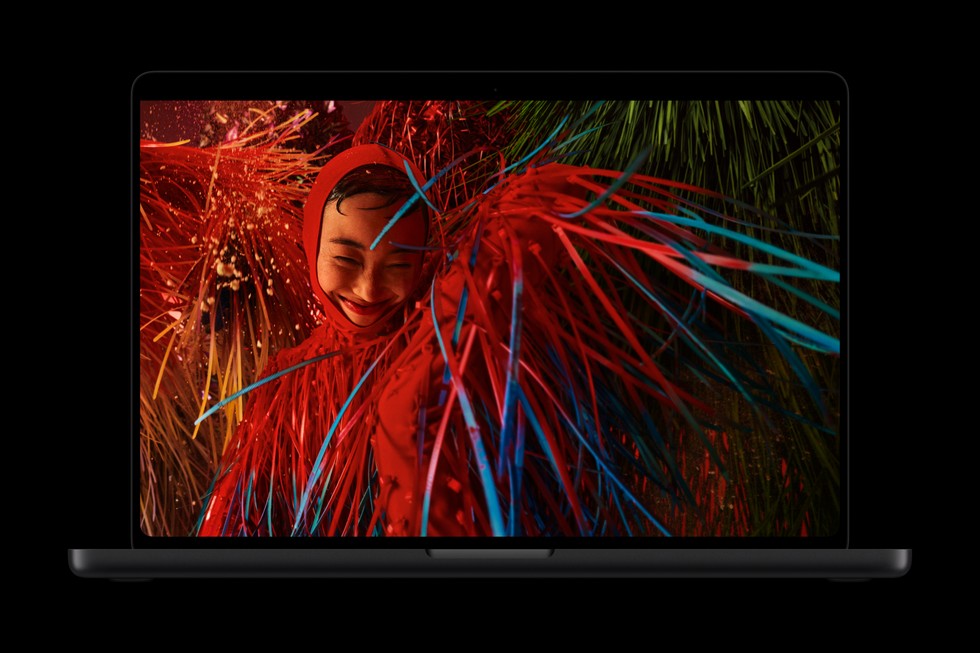
The touchscreen MacBook Pro is here, but touch is only part of the story. Apple’s new PROLED XDR display brings tandem OLED to the Mac, alongside a lighter design that makes the upgrade worth a closer look.
For me, the panel is the attraction. I do not need to reach across a keyboard to scroll through Safari. Better contrast, cleaner HDR, and less weight in my bag are changes I would appreciate every day.
This is an analysis of Apple’s specifications and published reporting, rather than a hands on review.
What changed on the touchscreen MacBook Pro?
Apple introduced the PROLED XDR MacBook Pro in October, with availability beginning November 6. Both sizes retain M5 Pro and M5 Max options. The changes include tandem OLED, touch input, Dynamic Island, slimmer display borders, and a thinner, lighter enclosure.
That makes this primarily a display and design upgrade for anyone comparing it with an equivalent M5 Pro or M5 Max machine.
PROLED XDR vs Liquid Retina XDR
The existing Liquid Retina XDR display uses an LCD panel illuminated by mini LED backlighting. Its dimming zones control brightness across sections of the image.
PROLED XDR uses OLED pixels that produce their own light. Apple’s tandem design combines two light emitting layers.
The practical benefit is precision. Picture a bright subtitle against a black movie scene. A backlit display can illuminate some of the surrounding area, creating a halo known as blooming. OLED controls light at the pixel level, keeping the background dark around that text.
That also benefits star fields, nighttime footage, and photographs containing bright reflections against deep shadows. The improvement is about controlling where light appears.
Brightness needs context
Apple lists these specifications:
| Display feature | Liquid Retina XDR | PROLED XDR |
|---|---|---|
| Panel technology | LCD with mini LED backlighting | Tandem OLED |
| Peak HDR brightness | 1,600 nits | 2,000 nits |
| Sustained full screen HDR brightness | Up to 1,000 nits | Up to 1,000 nits |
| Advertised contrast ratio | 1,000,000:1 | 10,000,000:1 |
| Wide color support | P3 | P3 and Adobe RGB |
| ProMotion | Up to 120Hz | 10Hz to 120Hz |
The important distinction is that 2,000 nits is peak brightness. It does not mean the entire screen stays that bright during everyday work. Sustained full screen HDR brightness remains rated at up to 1,000 nits.
The stronger argument for OLED is bright highlights beside deep blacks. Sunlight reflecting off water can stand out while surrounding shadows remain dark.
Better color is more than extra saturation
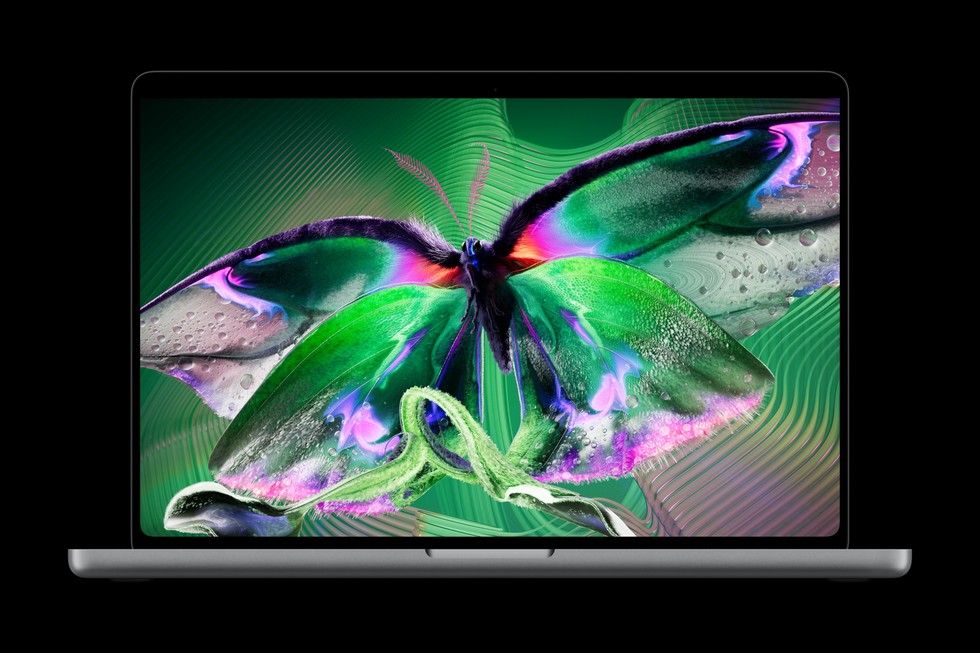
Adobe RGB support deserves attention, especially for photography and print workflows. It extends the available color range beyond P3 in areas such as greens and cyans.
That does not mean every website or photograph should look more saturated. Accurate color depends on matching the content, application, and display settings.
For publishing on the web, sRGB remains a useful reference. For photography and print, the additional gamut gives compatible workflows more room. Apple includes reference modes for both.
ProMotion is less of a generational leap because the previous display already reaches 120Hz. It remains useful for fluid scrolling and motion, but OLED contrast and expanded color support are the bigger changes.
MacBook Pro weight difference
Here is the comparison using Apple’s listed M5 Pro configurations:
| Model | Liquid Retina XDR | PROLED XDR | Weight reduction |
|---|---|---|---|
| 14 inch M5 Pro | 3.5 lb / 1.60 kg | 3.0 lb / 1.38 kg | 0.5 lb / 220 g |
| 16 inch M5 Pro | 4.7 lb / 2.14 kg | 4.0 lb / 1.82 kg | 0.7 lb / 320 g |
That is roughly 14 percent less weight for the smaller model and 15 percent for the larger one, calculated from the kilogram figures. M5 Max configurations have slightly different weights.
For someone carrying a MacBook regularly, this may matter more than touch. A lighter 16 inch model is especially appealing when you want a large editing workspace without quite as much weight.
Do we need a touchscreen MacBook Pro?
For my workflow, probably not.
Writing, editing a website, managing files, and making precise selections already work well with a keyboard and trackpad. Reaching toward an upright screen is unlikely to become my preferred way to spend an afternoon.
Still, optional touch has value. Pinching into a photo, moving an object, or showing someone something onscreen can feel natural. Apple supports touch alongside the existing controls, so there is no need to rebuild your habits around it.
Fingerprints and screen movement remain practical considerations. MacRumors’ hands on report also noted some display movement when tapping, despite the revised hinge.
Touch is a welcome addition. It simply would not be my reason to upgrade.
Is the PROLED XDR MacBook Pro worth it?
The strongest case belongs to people who work directly on their laptop display: photographers, video editors, designers, and anyone who values HDR playback.
If your Mac spends most of its life connected to an external monitor, the panel upgrade becomes harder to justify. If your current MacBook Pro is fast enough and its display already meets your needs, touch alone offers little reason to replace it.
My interest is in a better screen inside a more portable Mac. Touch adds flexibility, but panel quality is the improvement you benefit from even when you never lift a finger toward the display.
For more ways to improve your existing setup, read Getting More From Your Mac: My Favorite Apps, Upgrades, and Lessons.

Written by
Bryan
Independent technology coverage focused on useful context, real-world experience, and honest recommendations.